

For FREE Consultations Contact Us

Chromebooks:Chromebook Desktop 


Overview
When you buy a Chromebook, it offers, out-of-the box, limited scope of a Linux Operating Systems. it requires your Google Email Account to log in and requires Internet presence to store any of your documents on Google cloud. You cannot store any of your documents locally, that is, in the Chromebook disk, as you normally do with your standard Windows based laptop. This restricts or limits you to utilize the full capability of a Chromebook. We can you help you to have full Linux Operating System on your Chromebook and enjoy the experience of your newly purchased Chromebook.
Linux Benefits
Having Linux Operating System in your Standard PC or Laptop devices, you can benefit lot, such as:
- Free from virus
- Most secure desktop operating system available in the market
- Most value for the money you would spend otherwise on Software
- Built on Open Source and Software are free
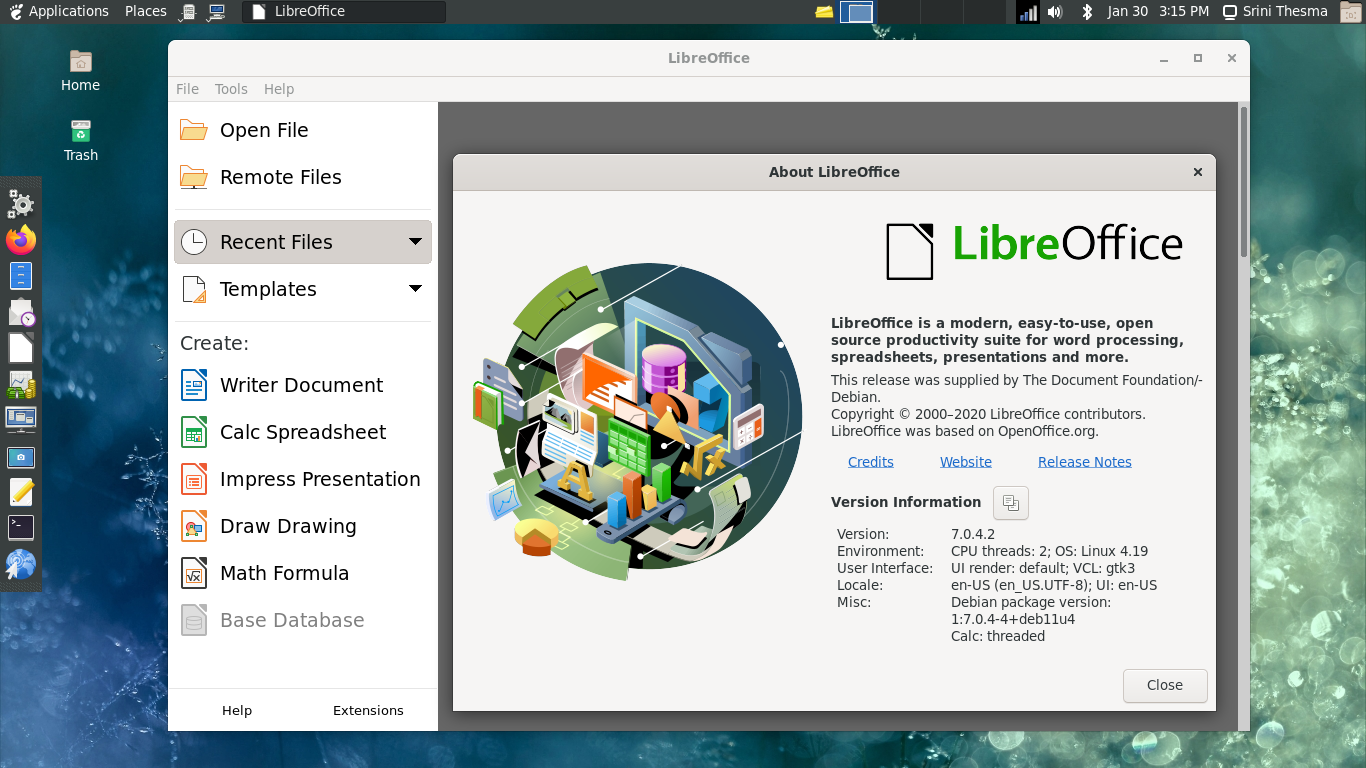
- Free productive software such as LibreOffice
- Supports industry standard Web Browser such as Firefox, Chrome etc.
- Supports E-Mail software such as Thunderbird, Evolution (like Windows Outlook)
What we offer to you
We have tested and practically used Linux Desktop on daily basis and we never felt the need of Windows Desktop. We have built and been using Linux Operating Systems over 10+ years. You can benefit with extended experience and lesson learned over the years of building and configuring Linux Desktop for you.
We build, install and set up Linux Desktop Operating System with virus free, most secure desktop software and lots of free software for you. We can help you in building Linux Desktop environments of your choice, such as:
- ArchLinux
- Debian
- CENTOS
- Fedora
- RedHat
- uBuntu
Linux Desktop: Services
- Keep the existing Chrome OS
- Your existing Chrome OS will not be touched
- You can switch back to Chrome OS when you need to
- You can reset your Chromebook back to factory settings
- You can boot to Linux Desktop from a standalone SD-Card
- Modern Linux Desktop Environments
- Gnome
- Gnome-Flashback
- Traditional Linux Desktop Environments
- MATE-Desktop
- KDE
- XFCE
- LXDE
- Full featured Linux on Chromebook
- Install full Linux Desktop on same disk
- Install full Linux Desktop on SD-Card isolated from Chrome OS
- Complete control on your Linux Desktop and your Chromebook
- Installed Software
- Firefox
- Google Chromium
- Evolution Mail and Calendar
- Thunderbird
- File Manager
- Media Player
- LibreOffice (equivalent to Microsoft Office)
- Standard Desktop Tools
- Optionally, many other software
- Support
- We support the Linux Desktop environments we installed on your Chromebook
- We provide knowledge transfer to use the Linux Desktop environments
Related Links
For your Service Inquiries, Contact Us
|
2026 All rights reserved.
|








|

 MariaDB